
18 NOV 2025 · UPDATED 2026 · 5 MIN READ
How to Find Clothes From a Screenshot
The screenshot is the modern shopping list. Here is how to actually use it, not just save it and forget it.
Most people have a camera roll full of saved screenshots. TikTok outfits, Reels they almost scrolled past, a look from a show they were half-watching. The problem is not saving the inspiration. It is knowing what to do with it after.
Screenshots are actually the best input for visual search. Unlike photos taken in the wild, screenshots are already cropped, lit, and framed. The clothing is almost always the focal point. That makes them significantly easier for AI to read than a candid photo with a cluttered background.
Why screenshots work better than photos for visual search
When you take a photo in the real world, say, of a stranger's outfit on the street, the image has to compete with background noise: lighting, distance, movement, other people. Visual search tools have to work harder to isolate the clothing.
A screenshot from TikTok or Instagram is different. The creator has already done the framing work. The clothing is centered, lit deliberately, and in focus. The AI has a cleaner signal to work with, which means more accurate results.
This is why screenshot-based visual search outperforms reverse image search of real-world photos in most cases, when done with the right tool.
Platform by platform: what works
TikTok
Pause the video at the moment the outfit is most visible, usually a full-body shot or a deliberate camera pan, and screenshot from there. Avoid frames mid-movement where fabric is blurred.
Instagram Reels and stories
Stories disappear, which makes the screenshot even more important. For Reels, pause at a clean, full-body moment. Saved posts are easier since you can take your time.
Pinterest screenshots are usually already well-composed. If the image has heavy overlaid text or a watermark, crop it out before uploading. Text can interfere with clothing detection.
YouTube and streaming
Shows and music videos are an underused source. Screenshot from the highest-quality moment, usually a close-up or a styled scene. Streaming platforms compress video, so the cleaner the frame, the better.
How to get the best results from your screenshot
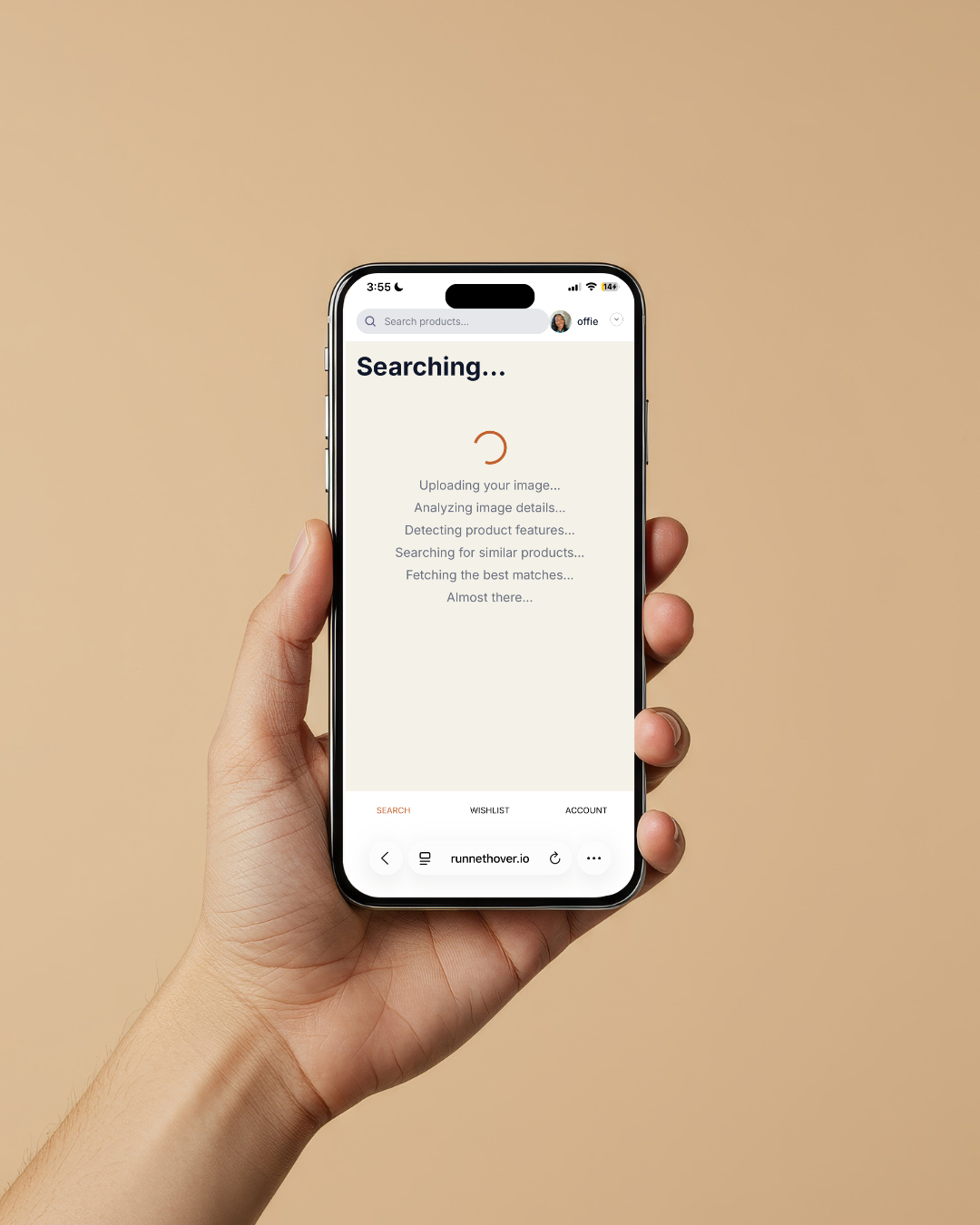
Three things improve your results: the clothing should fill most of the frame, the image should be as high-resolution as possible, and if there are multiple outfits in one screenshot, crop to just the one you want to find.
The process is simple: save your screenshot, open Runneth Over, upload, and browse. No keywords needed. The image does all the work.
What you will find
Runneth Over searches across retail and resale simultaneously. For a single screenshot, you might see the original item, an affordable alternative in a similar cut, and a resale version, all in one results page.
Most alternatives fall between $15 and $50. If the exact item is available online, it will appear. If it is sold out, you will see the closest available options.
Your camera roll is full of outfits.
Time to actually find them.
JOIN THE WAITLISTFREE · NO CREDIT CARD